Download the iqz10 App
Cricket, Slots & Live Casino on Your Phone

The iqz10 App puts cricket betting, live dealer tables and slots right on your Android phone. Free to download, no Play Store needed. Deposit with bKash in under 4 minutes.
App download QR code Scan to download
iqz10.apk instantly
on your Android device

Version Info & System Requirements

Before you download, check that your device meets the minimum spec. The iqz10 App is built for Android and runs on most phones made after 2018. The file is light — 52 MB — so it installs fast even on a mobile data connection.

iOS users: There is no App Store version. iPhone and iPad users can open iqz10.lat in Safari and add it to the home screen for a near-native experience. Full steps are in the iOS section below.
Field Details
App Name iqz10
Current Version 3.9.13
File Name iqz10.apk
File Size 52 MB
Minimum Android Version Android 7.0 (Nougat) or later
Last Updated 10 November 2026
Price Free
Interface Languages English & Bangla
iOS Support Web app via Safari (Add to Home Screen)
Internet Required Yes — Wi-Fi or mobile data (4G/5G recommended for live tables)

App vs Web Browser: Side by Side

The iqz10 App loads faster on a mobile connection and keeps you logged in between sessions. The web version works on any device without installation. Both give you access to the full game library — the differences are mostly about speed and convenience.

Feature iqz10 App (Android) Web Browser
Loading Speed Faster — cached assets Standard page load
Stay Logged In Yes Session only
Push Notifications Match alerts & promos
Full Game Library (3,800+)
Live Cricket Scores In-App Via browser tab
bKash / Nagad Deposit
One-Tap Login (fingerprint) Supported on Android 9+
Works Without Play Store Direct APK install No install needed
iOS Support Android only All devices
Storage Used on Device 52 MB 0 MB (browser cache only)
Auto-Update In-app prompt Always latest version

Install on Android: Step by Step

Android blocks APK files from unknown sources by default — this is a standard security feature. You need to allow installation once before the iqz10 App can be installed. The whole process takes about two minutes.

  1. 1

    Allow Installation from Unknown Sources

    Go to Settings → Security (or Privacy on newer phones). Find Install Unknown Apps and enable it for your browser or file manager. On Android 8+, this setting is per-app — turn it on just for the app you use to open the APK file. You can disable it again after installation is complete.

  2. 2

    Download the iqz10 APK File

    Tap the Download APK button on this page. Your browser will save iqz10.apk (52 MB) to your Downloads folder. Wait for the download to finish — on a standard 4G connection it typically takes under 30 seconds. Only download from iqz10.lat to make sure you get the official file.

  3. 3

    Open the APK and Start Installation

    Pull down your notification shade and tap the downloaded file, or open your Files / My Files app and navigate to Downloads. Tap iqz10.apk. Android will show you an install prompt listing the permissions the app needs. Review them and tap Install. Installation finishes in about 15 seconds.

  4. 4

    Launch the App and Log In or Register

    Once installed, tap Open or find the iqz10 icon on your home screen. Existing members can log in with their username and password. New players should tap Register to create a free account — it takes under two minutes. After logging in, your balance and bonuses appear immediately.

  5. 5

    Deposit with bKash and Start Playing

    Tap Deposit in the bottom bar, choose bKash, Nagad, Rocket or another method, and enter the amount (minimum ৳450). Funds arrive in your iqz10 account within about 4 minutes. First-time depositors get a 210% welcome bonus up to ৳8,000 — it is credited automatically after the deposit clears.

iPhone & iPad: Add iqz10 to Your Home Screen

Apple does not allow APK files, but the iqz10 mobile site works perfectly in Safari. Adding it to your home screen creates a full-screen shortcut that feels just like an app — no App Store required.

  • 1
    Open SafariNavigate to iqz10.lat in Safari on your iPhone or iPad. Other browsers (Chrome, Firefox) on iOS do not support Add to Home Screen fully, so use Safari for best results.
  • 2
    Tap the Share IconTap the Share icon at the bottom of the screen (the box with an arrow pointing up). Scroll down in the share sheet until you see the option to Add to Home Screen and tap it.
  • 3
    Name and Save the ShortcutEdit the name if you want — leaving it as iqz10 works fine. Tap Add in the top-right corner. The iqz10 icon will appear on your home screen immediately.
  • 4
    Open and Log InTap the iqz10 icon. The site opens in full-screen mode without browser bars. Log in or register, deposit with bKash, and start playing — the experience is identical to the Android app.

Download the iqz10 APK File

This is the official iqz10 APK hosted on our server. The file is scanned before each release. Always download directly from iqz10.lat — do not use third-party APK mirror sites.
iqz10.apk
Version 3.9.13  ·  52 MB  ·  Android 7.0+  ·  Free
Download APK
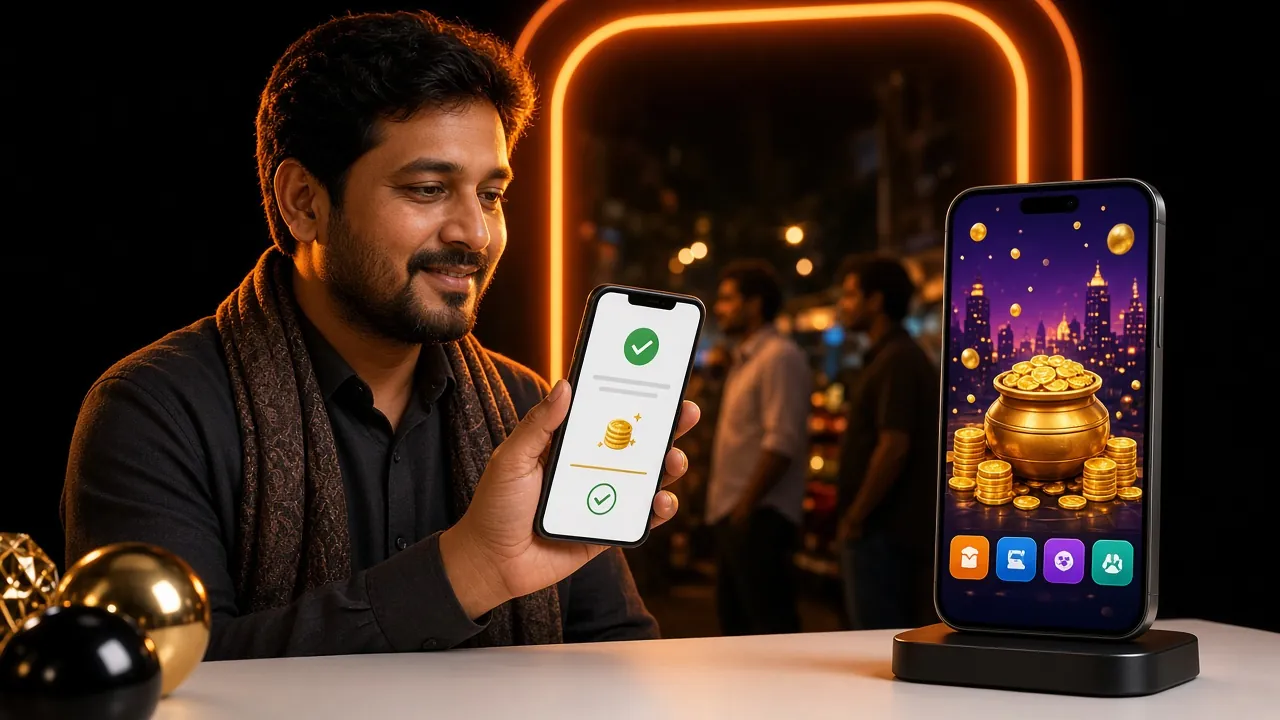
iqz10 mobile app interface showing cricket betting markets and live casino lobby on an Android phone

What You Can Play Inside the App

The iqz10 App carries the full game library — over 3,800 titles from six providers. Whether you want to follow a T20 match while spinning slots or sit at a live Andar Bahar table during your commute, it is all in one place.


Cricket Betting

Follow BPL, IPL, T20 World Cup and ODI matches in real time. Place bets on match winner, top batsman, runs in an over and dozens of other markets. Live in-play odds update as each ball is bowled. The scorecard view in the app mirrors a real cricket ground display.

Slots from Six Providers

Over 3,800 slot titles from Pragmatic Play, CQ9, Red Tiger, Playtech, Ezugi and Sexy Gaming. Popular picks include Hip Hop Panda (RTP 96.8%), Fortune Mouse (RTP 96.7%) and Captain's Bounty. Minimum bet starts at ৳1 on many titles — good for longer sessions on a smaller budget.

Live Dealer Tables

Real dealers streamed in HD. Choose from Andar Bahar, Teen Patti, Baccarat, Roulette and Blackjack. Ezugi and Pragmatic Play power the live lobby. The app handles the stream well on a standard 4G connection — expect smooth video even during peak hours in Dhaka or Chittagong.

Fishing Games

Lucky Gods Fishing and God of Fish Slicing both carry a 97.1–97.6% RTP — among the highest on the platform. Tap to shoot fish, collect coins and trigger boss rounds. These games are built for touchscreen play, so the mobile experience is actually better than the desktop version.

Card Games

Teen Patti, Andar Bahar, Joker Poker and Pool Rummy are all available from the card games section. Minimum bets start at ৳1–৳5, making it easy to warm up before moving to higher-stake rounds. Pragmatic Play and CQ9 versions both run smoothly on Android 7+.

Fast Deposits & Withdrawals

The app deposit flow is built around bKash, Nagad, Rocket and Upay. Tap Deposit, pick your method, enter the amount and confirm in the payment app — the whole thing takes under 4 minutes. Withdrawals process in about 14 minutes. Minimum deposit is ৳450; minimum withdrawal is ৳1,500.

Safe Download: Permissions Explained

The iqz10 App requests only the permissions it actually needs. Here is what each one does and why it is there.

SSL / TLS Encryption on Every Connection

All data between the app and iqz10 servers travels over an encrypted HTTPS connection. This includes login credentials, deposit requests and game results. The connection certificate is renewed automatically — you do not need to do anything to stay protected. Never log in on a public Wi-Fi network without a VPN as an added precaution.

No Camera or Microphone Access

The iqz10 App does not request access to your phone camera, microphone or photo gallery. It does not read your contacts list or SMS messages. The only permission it needs beyond internet access is local storage, so it can cache game assets and load faster on subsequent visits. If an APK asks for camera or contacts, it is not the official file.

Biometric Login (Android 9+)

On devices running Android 9 or later, you can enable fingerprint or face unlock inside the app settings. Your biometric data never leaves your device — the app uses Android's built-in authentication API and only receives a pass or fail signal. This feature is optional; standard password login always remains available as a fallback.

Official File — Verify Before Installing

Only download iqz10.apk from iqz10.lat. The download link on this page points directly to our server. After downloading, your device may run a quick scan via Google Play Protect — this is normal and the file will pass. If you see a warning that is not from Play Protect, delete the file and re-download from this page.

Fix Common Installation Problems

Most installation issues have a quick fix. The table below covers the five problems players run into most often. If none of these solve your issue, the 24/7 live chat team can walk you through it.

Problem Likely Cause How to Fix It
"Install blocked" message Unknown sources not enabled for the browser or file manager you used to open the APK. Go to Settings → Privacy / Security → Install Unknown Apps. Find your browser in the list and toggle it on. Try opening the APK file again. You can turn this off after installation.
Download stops halfway Weak mobile signal or the browser cancelled the download in the background. Switch to Wi-Fi if possible, or move to a stronger signal area. Clear the partial file from Downloads, then tap the Download APK button on this page again. Keep the browser in the foreground during the download.
"App not installed" after tapping Install An older version of the iqz10 App is already on the device, or storage space is below 100 MB. Uninstall any existing iqz10 app first (long-press icon → Uninstall), then free up storage if needed. Re-download the latest APK from this page and try again. Version 3.9.13 replaces all earlier builds cleanly.
App crashes immediately on launch Device is running Android 6.0 or below, which is not supported, or the APK download was corrupted. Check your Android version in Settings → About Phone. If it is 7.0 or above and the app still crashes, delete the APK, re-download it, and reinstall. If your Android is 6.0 or older, use the iqz10.lat mobile site in Chrome instead.
Login page does not load inside the app No internet connection, or a firewall / VPN is blocking the iqz10 domain. Check that mobile data or Wi-Fi is active and working. If you are using a VPN, try disabling it — some VPN servers block gaming domains. If your network blocks the site, switch networks. The 24/7 live chat is also reachable at iqz10.lat from any browser.

Questions Players Ask About the iqz10 App

01Is the iqz10 APK safe to install on my Android phone?

Yes. The iqz10.apk file is hosted on the official iqz10 server and is the same build used by all Android players. It passes Google Play Protect scans. The app does not ask for camera, microphone or contacts permissions — only internet access and local storage. The Android "unknown sources" warning appears for every APK that is not from the Play Store; it does not mean the file is dangerous. Download only from iqz10.lat to ensure you have the genuine file.

02My phone says "installation failed" — what should I do?

The most common cause is a previous version of the app still being installed. Long-press the iqz10 icon on your home screen, tap Uninstall, and confirm. Then delete the downloaded APK from your Downloads folder and re-download it fresh from this page. If you still see a failure, check that you have at least 150 MB of free storage and that your Android version is 7.0 or higher. If none of that works, contact the 24/7 live chat team through iqz10.lat in your browser.

03How do I update the iqz10 App when a new version is released?

When a new version of the iqz10 App is available, a banner appears inside the app prompting you to update. Tap it and you will be taken to the download page on iqz10.lat. Download the new APK and install it over the existing version — you do not need to uninstall first. Your account, balance and saved preferences carry over automatically. The current version is 3.9.13, released on 10 November 2026. Check this page whenever you want to confirm you have the latest build.

04Is there an iqz10 App for iPhone (iOS)?

There is no App Store version for iPhone or iPad. Apple restricts APK files from being installed on iOS devices. However, the iqz10 mobile site is fully optimised for Safari on iOS and delivers the same game library, deposit options and live streaming. Open iqz10.lat in Safari, tap the Share icon, then Add to Home Screen. This creates a full-screen shortcut on your home screen that works almost identically to the Android app. All features — bKash deposits, live casino, cricket betting — are available through this method.

05Can I use the same account on both the app and the web browser?

Yes. Your iqz10 account works across all devices and platforms. Log in to the Android app, the iOS web app and the desktop browser with the same username and password. Balance, bonuses, transaction history and VIP progress are all shared in real time. You can start a session in the app on your morning commute and continue on a desktop browser in the evening — your position picks up exactly where you left off. There is no need to create a separate account for the app.

06Does the app work on a slow connection or 3G mobile data?

Slots, card games and sports betting work acceptably on a 3G connection because the app caches game assets after the first load. Live dealer games stream video in HD, which works best on 4G or Wi-Fi. If your connection is slow, the live casino lobby will offer a lower-quality stream option. For the smoothest experience across the whole platform — especially during a T20 live-bet session — a stable 4G or Wi-Fi connection is recommended. The app file itself (52 MB) is worth downloading on Wi-Fi first.

07What is the minimum deposit through the app, and which methods work?

The minimum deposit through the iqz10 App is ৳450. You can pay with bKash, Nagad, Rocket, Upay or Bank Transfer — all five methods are available inside the app deposit screen. The deposit flow takes you through the confirmation step in the payment app and returns you to iqz10 automatically. Funds arrive in about 4 minutes. Minimum withdrawal is ৳1,500 and processes in roughly 14 minutes. First-time depositors receive a 210% welcome bonus up to ৳8,000, credited after the first deposit clears.

Ready to Play on Your Phone?

Download the iqz10 App, create your account and make your first deposit — all in under ten minutes. Already have an account? Log straight in.

18+ · Play Responsibly. The iqz10 App is for adults only. Gambling involves financial risk — only deposit what you can afford to lose. If you feel your gambling is becoming a problem, visit our Responsible Gaming page for tools and support resources.